
Home / After dark / Smart lock offline at night, what to try first
Smart lock trouble
Smart lock offline at night: what to try first, in order
A smart lock that shows offline is usually a lost connection, not a broken bolt. Work through a short sequence of checks before you decide the lock has failed or that you are locked out.
What offline really means
The word offline sounds dramatic, but it describes a narrow problem. Your phone, app or hub can no longer talk to the lock. That says nothing about whether the bolt still works, whether the keypad still accepts a code, or whether the key cylinder still turns. A lot of people stand at the door treating a lost connection as a total failure.
A smart lock is really two devices in one. The first is a mechanical deadbolt with a motor, driven by a small control board. The second is a radio that listens for commands from outside. When the radio side goes quiet, the motor and board often keep working perfectly well on their own.
So the first job at night is to separate the two. Ask what you can still do directly at the door without the app. Can you press the keypad and see a light? Can you hear the motor? Can you use a key? Each answer narrows the problem, and none of them requires force or tools.
Check the obvious things at the door first
Start with your own senses. Look at the lock face. A lit keypad, a blinking ring or a coloured status light all tell you the control board has power. Listen when you touch a key. A faint beep or motor sound is another good sign. A completely dark and silent lock points to batteries rather than a network.
Look at the phone as well. Confirm that your phone has a signal and that the app is signed in. Many apps show a reason for the offline status, such as a hub that is unreachable, a Bluetooth range problem, or a login that expired. Read the message slowly. It often names the cause in plain words.
Then check the weather and the environment. A cold, wet porch affects batteries and radios. A phone case with a metal plate can weaken a Bluetooth connection. Standing a few steps back from a door can sometimes work worse than standing close. Move near the lock and try the app once more before moving on.
- Look for any light on the lock face and listen for a beep or motor sound.
- Confirm your phone has signal and the app is still signed in.
- Read the offline message in the app for a named cause.
- Stand close to the lock and open the app again.
- Note what you see so you can describe it clearly later.
Understand how your lock connects
Smart locks reach the world in a few different ways, and the right fix depends on which way yours uses. Some talk to your phone directly over Bluetooth, which works only when you are within a short range. Others join your home wifi. Others talk to a small hub plugged into the wall, and the hub is what joins the network.
A hub based setup has more pieces that can fail. If the power went out, the hub and router may have restarted slowly or not at all. If the hub is plugged into a power strip that tripped, the lock is fine but the bridge is gone. The lock keeps its own schedule and codes, yet cannot report back.
A wifi lock fails when the router fails. That could be a service outage, a router that needs a restart, or a changed network password that the lock never learned. A Bluetooth only lock fails differently. It may be out of range, or the phone may have turned off Bluetooth to save battery. Knowing your type makes the next steps obvious.
Picture someone arriving home late after a shift to find the app showing a grey offline badge. They have a hub based lock, and the hub sits on a shelf near the router. A short outage earlier in the evening left the router restarting slowly. The lock is fine, the keypad on the door would accept a code, and the only missing piece is the bridge to the phone. Recognising the setup turns a stressful moment into a calm one.
Batteries are the usual culprit
Most offline smart locks are actually low battery locks. Radios draw more power than the bolt does, and when cells weaken, the radio gives up first. The lock may still turn the bolt on its last charge, which makes the problem look like a connection fault. Cold nights make it worse.
If the app shows a low battery warning, believe it. If the lock has a nine volt contact point on the outside, touching a fresh battery against it for a moment may give enough power for one entry. Hold it steady and follow your manual. Not every model has this feature, and it is a designed access point rather than a trick.
Once you are inside, replace the cells with fresh ones of the type named in the manual. Replace them all at once. Wait for the lock to restart and show its normal light pattern. Then reopen the app and give it a minute to reconnect. A fresh set of cells fixes many offline cases, and it costs very little compared with calling for help.
Choose the cells with care. Use the type the manual names, since some locks are tuned to a particular voltage and may misreport charge when a different chemistry is fitted. Avoid mixing old and new cells in one compartment, because the weakest cell drags down the group. Check the contacts for corrosion and wipe them dry. If the lock has a battery cover with a small seal, seat it properly so rain cannot reach the contacts on the next stormy night.
Restart the pieces in a calm order
If power and signal are fine, restart in order from the outside in. Start with the phone. Close the app fully and reopen it. Turn Bluetooth off and on. If that does not help, restart the phone itself. These steps sound basic because they usually work, and they never touch the lock.
Next, if you are inside or can reach the equipment, restart the hub or router. Unplug it, wait a short moment, plug it back in and let the lights settle. Do not press a small reset button unless you know what it does, because a reset can remove the lock from your account and force a full setup again.
Only after those steps should you think about removing and re adding the lock in the app. That is a bigger action. It may wipe saved codes and schedules, and it usually requires you to be standing at the lock in good light with the manual open. At night, outside, with a low phone battery, it is rarely the right move.
Use the physical backup
Nearly every smart lock has a mechanical backup. It might be a key cylinder under a cover cap, a keypad that works without the app, or a thumb turn inside. These backups exist so that a network problem never traps you. Think back to whether your lock has one and where the key is.
The cover cap on a key cylinder often slides or pops off. People forget it exists because they have used the app for months. If you find the cylinder and have a key, try it gently. A key that turns smoothly opens the bolt. A key that sticks or spins freely needs more care, and the guide on a deadbolt that jams after midnight explains why forcing it is a mistake.
Do not drill, pry or hammer on a smart lock. The case is designed to hide the mechanism, and damage often turns an easy repair into a replacement. If your backup path fails, stop and ask for help. A technician can often open the door without harming the lock, then help you find the true cause of the fault.
Think about security before you reset
It is tempting to wipe a lock and start over to get back online. At night that is risky. A full reset can remove every user code. It can also lose the record of which guests had access. If the lock sits on your only entry, you could finish the night with a door that is working but unprotected by anything except the mechanical key.
Consider who else has access. A family member, a cleaner or a former tenant may still have a code. If the lock is offline, you cannot see or remove those users from the app. That is a reason to plan a proper update once the connection returns, and to consider rekeying the mechanical cylinder if keys have been shared widely.
Be careful about public wifi and unknown devices. Do not connect a lock to an unfamiliar network to get it working. Do not share setup codes with a stranger who offers help. Anyone who truly works on locks will understand why you want to see identification first, a topic covered in verifying a technician identity at night.
Treat the app account as part of the lock. If your phone is lost, shared or logged in on a device you no longer trust, change the account password and look over the list of users once the connection returns. An offline lock is a good prompt to tidy this up. Remove old guest entries, rename codes so you know who holds each one, and set the access windows that suit your household instead of leaving every code open all day.
Doors that matter more than others
Not every entry carries the same stakes. A front door that is easy to reach and well lit is a manageable problem. A rear or side door that sits in shadow is a different one, and so is a business entry. If the offline lock protects a place that holds valuables or people, plan for a calm but prompt solution.
For a rental or short stay property, an offline lock can strand a guest who has a code that no longer reaches the lock. Our guide on an overnight guest locked out of a rental covers how a host and a guest can talk through the options. For a home with children or an elderly relative inside, think first about whether someone can open the door from within.
For a business, a connected lock on a back door can lose function when the network is down. If employees need access in the morning, consider what manual option exists. A technician from our business door hardware work can often add a mechanical backup, so that a router failure never again decides who gets in.
Rural properties add their own wrinkles. Homes outside town often have weaker internet and longer runs between the router and the door, so a wifi lock on a far entry may drop its link whenever the weather turns. In the mountain towns, heavy snow can bury a hub antenna or cut power to the router for hours. A lock that can work on its own, with a keypad and a mechanical key, suits those conditions far better than one that needs a constant link.
When to stop troubleshooting and call
Know your limit. If you have checked batteries, tried the backup and restarted the phone, and the door still will not open, stop. Repeated attempts drain what little battery remains and can lock the keypad for a while. The cold is also tiring. Anyone waiting outside deserves a safe, warm place to be.
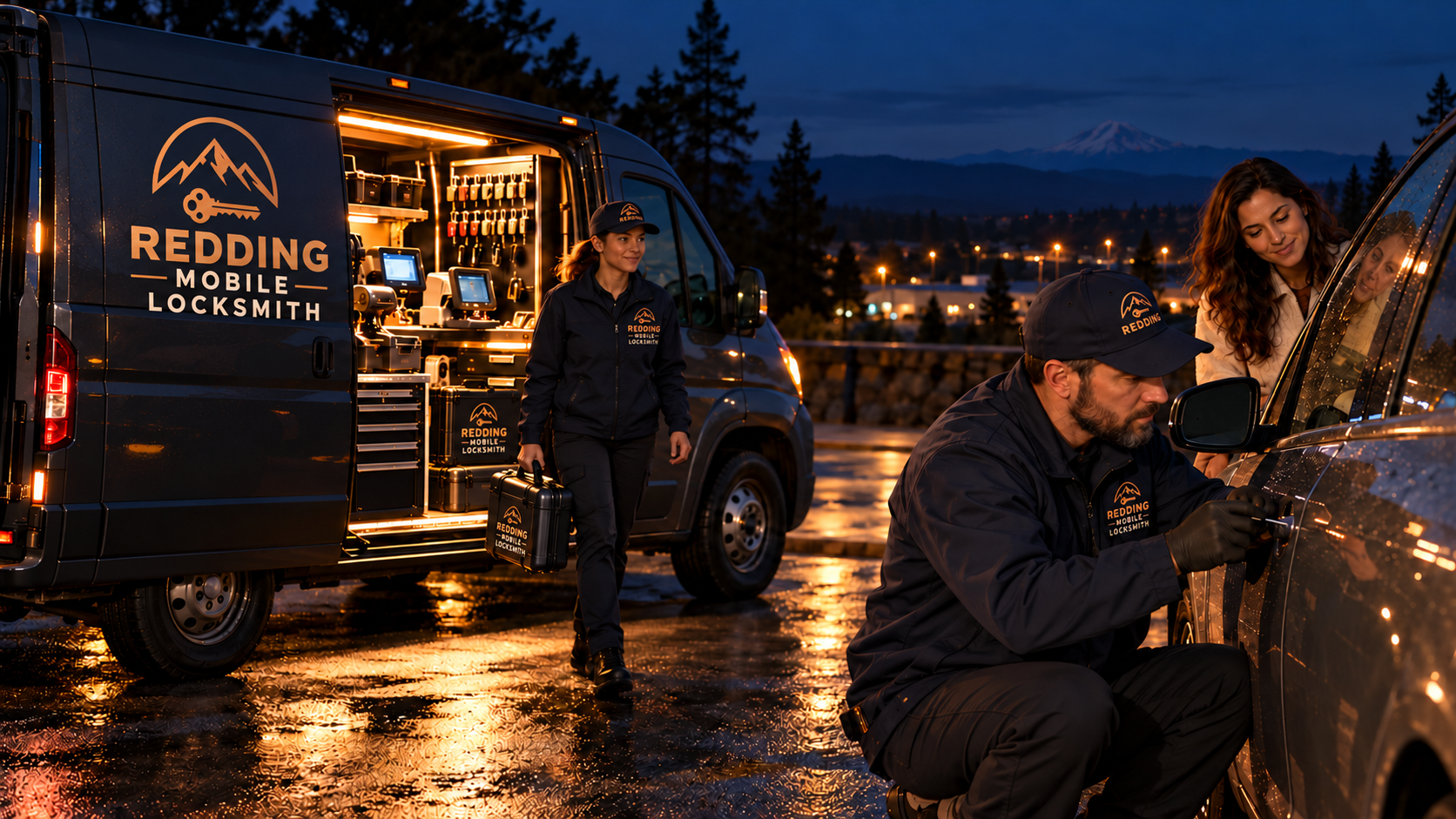
Ask for help sooner if the weather is harsh, if you are alone in an unfamiliar area, or if someone vulnerable is inside. Our night house lockout service is designed for this. A branded team in uniforms and a branded service van carry professional tools and common hardware, and serve communities across Shasta and Siskiyou counties.
Call (279) 250-8941 or use the request form on the contact page. Tell us the type of lock, what you tried, and where you are standing. If you are on a rural stretch, read signal and battery trouble on a rural road at night for tips on protecting your phone while you wait.
Making a smart lock dependable afterwards
Once you are inside and warm, make a plan. Note the battery type and schedule replacement before the cold season. Keep a spare set in a drawer inside the house, not in the car. Confirm where the mechanical key is, and store a spare with someone who lives nearby and can be trusted.
Check your network setup. Give the hub a stable power source and a spot where it will not be unplugged by accident. If your router often needs a restart, ask whether the lock should be set to work in a local mode that does not depend on the internet. Some models allow codes to work with no connection at all.
Finally, think about the whole door. A smart lock is only one part of its security. The strike, the frame and the screws matter as much as the electronics, which is why the page on installing new locks talks about the full door and not only the lock body. A steady setup beats a clever one on a bad night.
Common questions
Does an offline smart lock mean the door is unlocked?
No. Offline only means the app or hub cannot reach the lock. The bolt stays in whatever position it was in, and the keypad or key usually still works. Check at the door by looking for lights, listening for the motor, and trying the mechanical backup if your lock has one.
Should I reset the lock to get it back online?
Not as a first step, and not at night. A reset can remove all user codes and schedules and may disconnect the lock from your account. Try batteries, a phone restart and a hub or router restart first. Reset only when you are inside, in good light, with the manual.
Why does my smart lock go offline in cold weather?
Cold lowers battery output, and the radio is usually the first part to fail when cells weaken. The bolt may still turn on a last charge, which makes it look like a connection problem. Fresh cells installed before the cold season reduce this common cause.
What if I cannot find a backup key or cover cap?
Check the manual or the manufacturer page for your model to see where the cylinder is located. Many cylinders sit under a small cover that slides or pops off. If you have no key and no keypad power, stop and ask for help instead of forcing the lock.
Will a locksmith damage my smart lock?
A trained technician aims to open the door without harming the lock, using the right tools for the situation. Forcing, drilling or prying by an untrained person is what usually causes damage. Describe the lock type and what you tried so the right equipment arrives.
Can I still use my codes when the internet is down?
Often yes. Many keypad smart locks store codes inside the lock and accept them with no network. Models that rely on a hub for every command may behave differently. Check your manual for a local mode, and test it once while the connection is working.